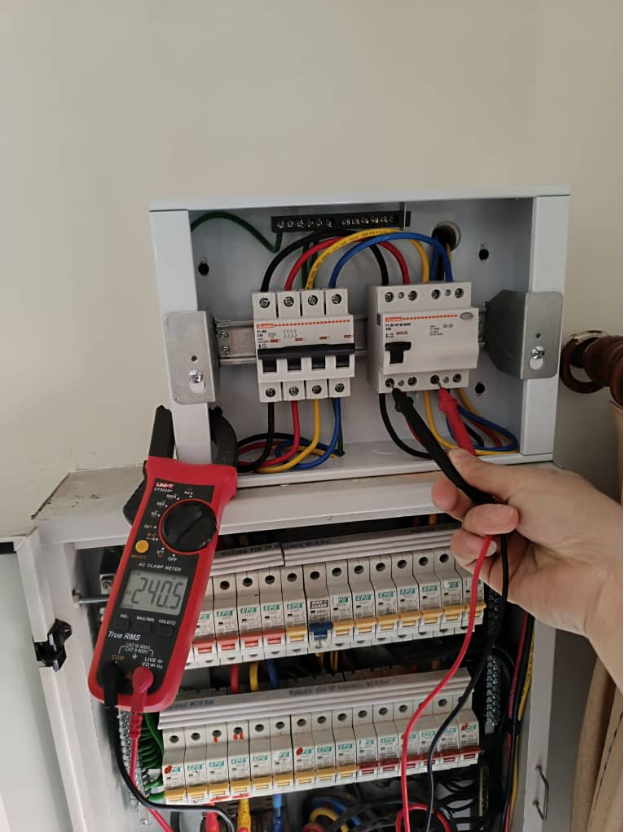
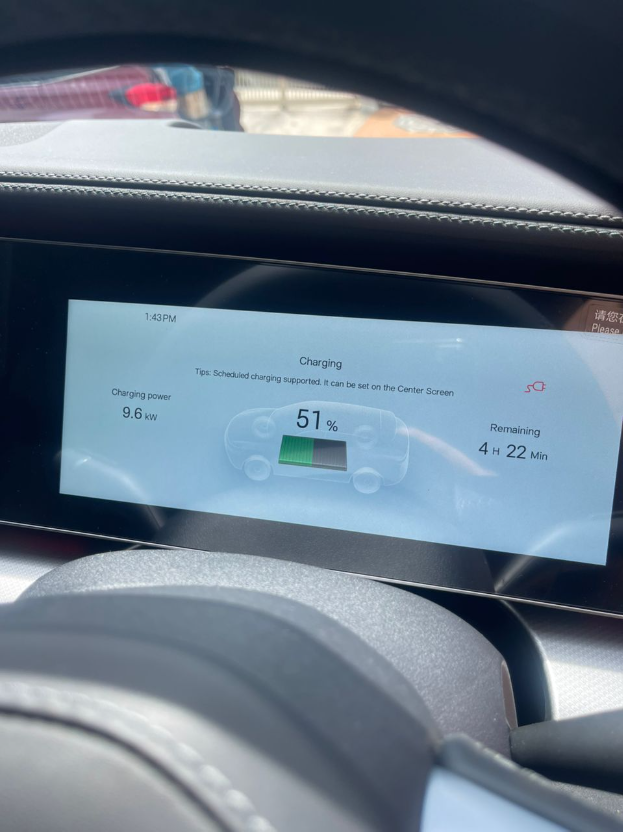
Based on real installation, commissioning & support experience
By Innovative Green Power (IGP)
WhatsApp: +6012 595 4786
Website: innovativegreenpower.com
Why this Guide exists?
From years of installing, commissioning, and supporting home EV chargers, we have learned that most charging issues are not caused by faulty chargers, but by incorrect usage, switching power under load, or misunderstanding normal charging behaviour.
This SOP is designed to help new EV owners:
- Use their charger correctly and safely
- Shut down charging in the correct sequence
- Respond calmly and correctly when something does not work
- Contact the right party so issues can be resolved efficiently
NORMAL DAILY USE
1. Before You Plug In
- Ensure the charger, cable, and socket are dry and undamaged
- Turn ON the charger power
- Wait until the charger shows Ready / Standby
- Ensure the vehicle is in Park (P) and switched off
2. How to Start Charging
(Method depends on your charger type)
- Ensure the charger is powered ON and shows Ready / Standby
- Plug the charging cable into the vehicle
Then follow ONE of the following, depending on your charger:
- Plug & Charge
Charging starts automatically after plugging in - Card / RFID
Scan your card to start charging - Mobile App
Start charging using the charger’s mobile app
- Confirm charging has started on:
- Charger indicator light, and/or
- Vehicle screen or mobile app
3. During Charging
- For most chargers, charging speed may increase or decrease slightly — this is normal
- Chargers with load management may adjust power more noticeably based on your home’s electricity usage
- The cable may feel warm, especially during longer charging sessions
- Do not turn OFF the charger or operate any power switches while charging
4. How to Stop Charging (CRITICAL)
- Stop charging using:
- Vehicle screen
- Vehicle key
- Mobile app
- Wait until charging has fully stopped
- Unplug the charging cable from the vehicle
- Only then, turn OFF the charger power if required
Always stop charging and unplug before turning the charger OFF.
WHEN SOMETHING GOES WRONG
1. Charging Does Not Start
(Charger still has power — lights or display ON)
- Check the charger indicator or display for any error messages
- Refer to the charger manual if needed
Contact the appropriate party:
- Charger Supplier / Distributor
→ Charger or software-related issues - Electrical Contractor / Installer
→ Electrical or installation-related issues
2. Charger Has NO Power
- Check the circuit breakers at your electrical panel
- If a breaker is tripped, reset it gently to the ON position
What this usually means:
- MCB tripped
→ Overload or short circuit - RCCB tripped
→ Safety protection activated due to leakage
If the breaker stays ON, you may continue using the charger.
If it trips again, stop using the charger and contact your installer.
If part or all of the house has no power:
- The main fuse may have blown
- Contact TNB Careline: 15454
- Review your recent usage to ensure your home power capacity was not exceeded
3. Breakers Are Not Tripped
(House still has power)
- Switch OFF the EV charger breaker
- Contact your electrical contractor / installer
- The EV charging circuit must be checked before reuse
4. Everything Else Works but the Charger Has No Power
- Contact the EV charger supplier / distributor for warranty support
For warranty cases:
- Installation documentation and test results may be required
- Your installer may need to assist with technical verification
- Service or inspection fees may apply if the issue is product-related and not installation-related
STOP USING THE CHARGER IMMEDIATELY IF YOU NOTICE:
- Burning smell
- Extremely hot cable, socket, or charger
(If you cannot touch it comfortably with your hand, it is too hot) - Repeated tripping after reset
WHO TO CONTACT
Electrical or Installation Issues
Your Electrical Contractor / Installer
Charger or Software Issues
Charger Supplier / Distributor
Power Supply Issues
TNB Careline: 15454